Installing Unstoppable Copier
Installing Roadkil’s Unstoppable Copier
Roadkil’s Unstoppable Copier is a lightweight, free utility
that allows you to recover files from disks with physical damage or read
errors. It can also be used as a simple file backup tool, automating copy
operations through batch mode.
This article walks through the installation process for
Windows.
Download the Installer
Under “Choose
Your Download”, select:
Windows 8, 10 or 11
Installer Version
Download
Open the downloaded file to run the installer
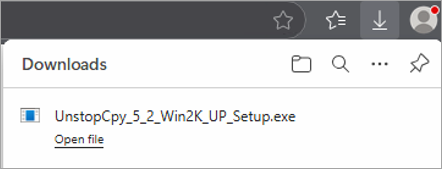
If
prompted by Windows SmartScreen or User Account Control, click Yes
to allow the program to make changes.
Once the set up wizard opens, click Next
The
setup wizard will open and guide you through the process.
Accept
the license agreement and click Next.
Click Next
Click Next
Click Next
Click Next
Click Next
Click Finish